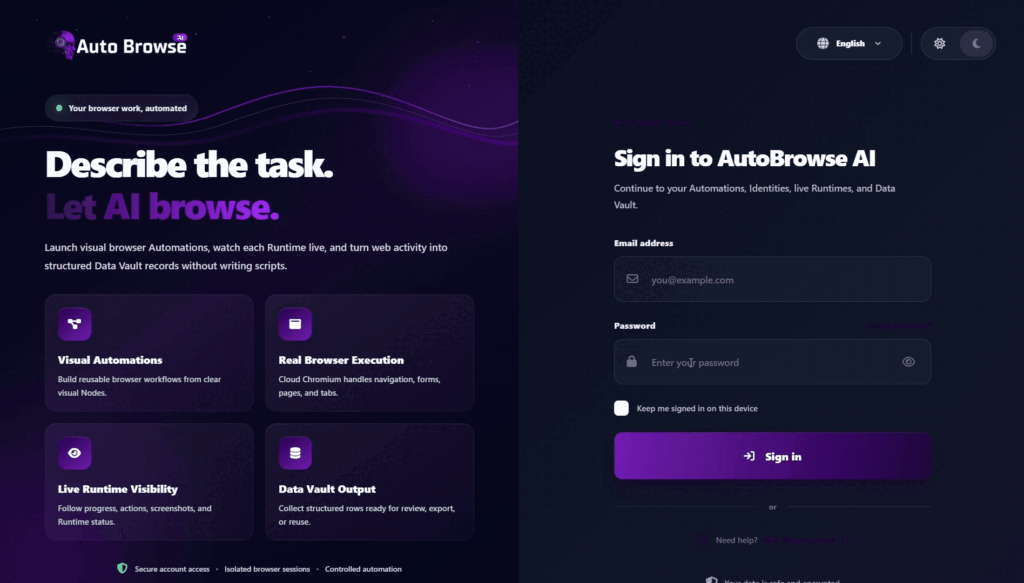
Auto Browse AI Review 2026: What Is Auto Browse AI?
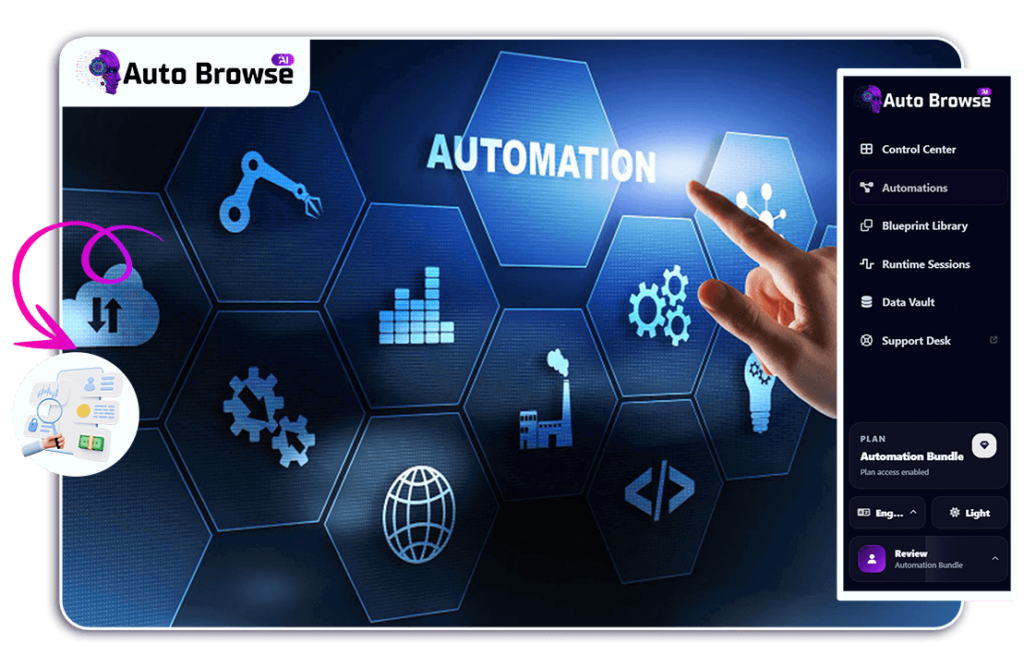
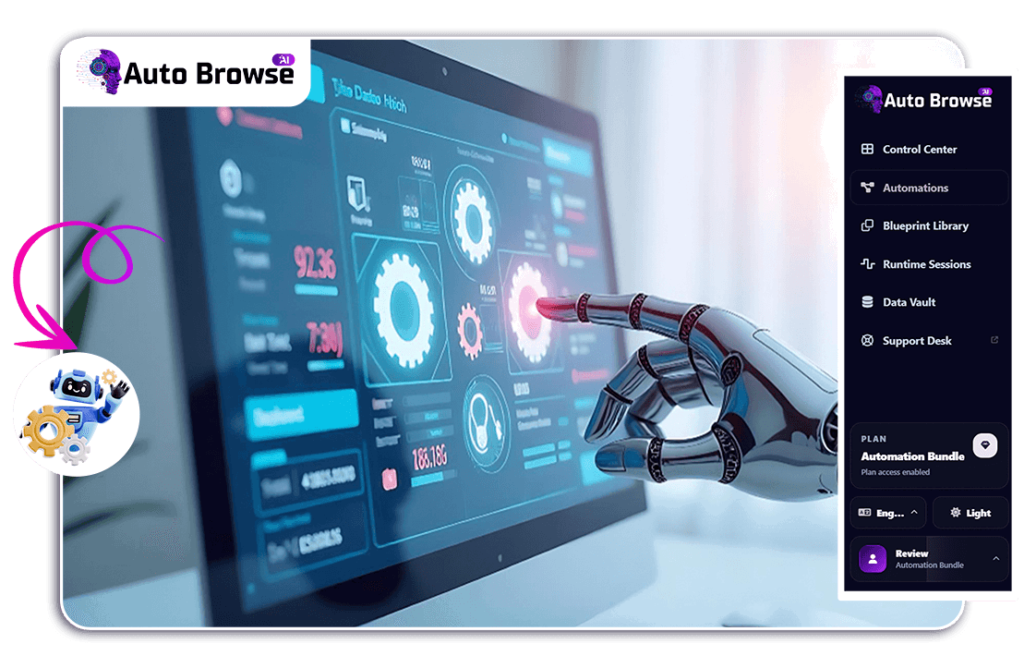
Auto Browse AI is a no-code browser automation tool designed to turn repetitive website tasks into reusable automated workflows. Instead of repeatedly opening websites, clicking through pages, typing information, researching, copying data, or filling forms manually, users can create a workflow that performs those steps for them.
According to the official product page, AutoBrowse AI uses a drag-and-drop workflow builder, allowing users to connect actions such as Navigate, Click, Type, Wait, Logic, Extraction, Screenshot, and Output without writing code.
How Does Auto Browse AI Work?
The basic process is straightforward:
- Choose a task — Decide what repetitive browser work you want to automate.
- Select a Blueprint or start from scratch — The platform currently advertises 60+ ready-made Blueprints.
- Build the workflow — Arrange visual action blocks in the order the task should be performed.
- Run the automation — AutoBrowse AI performs the defined browser actions.
- Collect the results — Information is organized inside its Data Vault.
- Export or reuse — Results can be exported as CSV or JSON, while workflows can be reused or scheduled for future runs.
What Can You Use Auto Browse AI For?
The official examples include tasks such as:
- Building local lead lists
- Collecting business information
- Researching products and prices
- Comparing information across websites
- Collecting job-related data
- Repetitive online research
- Monitoring pages or information
- Automating recurring browser workflows
The key value proposition isn’t simply “AI does things for you.” It’s the ability to build a repeatable browser process once and reuse it instead of manually performing the same sequence over and over.
Why Browser Automation Pays Off So Fast
Your Time Is The Expensive Part
Every hour spent clicking and copying is an hour not spent growing. A reusable task gives those hours back.
You stop being the bottleneck.
Build Once, Reuse Forever
A task you build today can run next week, next month, next year — with just new inputs.
One setup. Infinite runs
Zero Code, Zero Maintenance Headaches
No scripts to debug. You edit blocks visually when a site or a need changes.
No developer on call.
It Scales Without More Staff
More niches, more clients, more monitoring — just duplicate the task and change the inputs.
Capacity without payroll.
Every Task Multiplies The Last
Each Automation you save becomes a reusable asset you can adapt for the next job
A library of tasks compounds. Manual work doesn’t.
Features and Benefits
Everything You Need to Automate the Busywork
🤖 AI-Powered Browser Automation
Automate repetitive browser-based actions instead of performing them manually every time.
🧩 60+ Ready-Made Blueprints
Start with prebuilt workflows instead of building every automation from zero.
🎯 Visual Workflow Builder
Create workflows with simple action blocks rather than relying on complicated coding.
🔎 Automated Research
Turn repetitive online research into a repeatable workflow.
📊 Data Collection & Extraction
Collect information during your workflow and organize the results.
📁 Data Vault
Keep collected results connected to the automation that generated them.
📤 CSV & JSON Export
Move your results into spreadsheets, reports, databases, or other workflows.
⏰ Scheduled Automations
Set recurring workflows to run automatically rather than remembering to launch them manually.
Trust Section
Instead, use legitimate trust elements such as:
- Product demonstration
- Screenshots of the actual dashboard
- Workflow examples
- Creator information
- Guarantee
- Secure checkout
- Clear refund terms
- Transparent affiliate disclosure
This is especially important because AI/software audiences are becoming increasingly skeptical of exaggerated “make money with AI” claims.
See It In Action — Tasks Built From A Few Simple Blocks
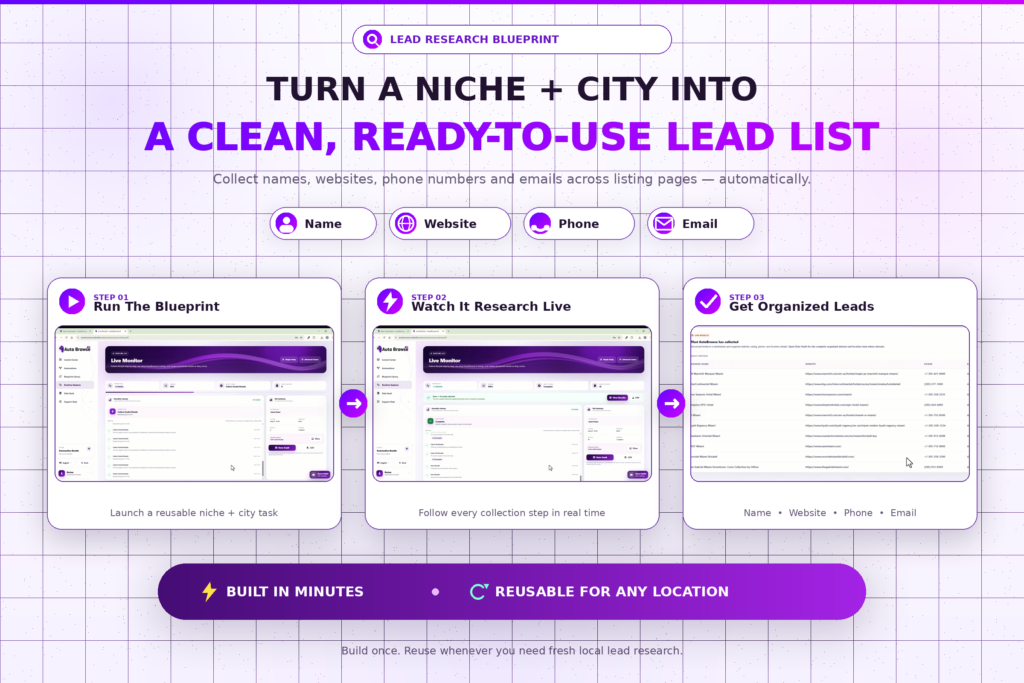
SAMPLE TASK 1
Lead Research
A niche + city lead finder that collects name, website, phone and email across listing pages — built from the Lead Research Blueprint.
Built in minutes and reusable for any location.
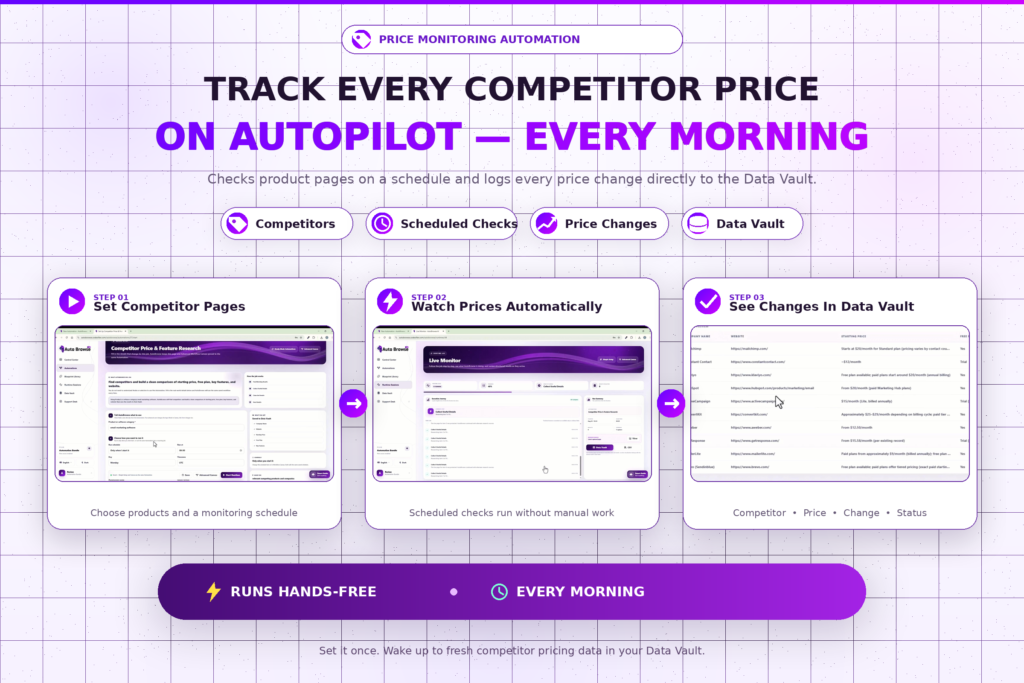
SAMPLE TASK 2
Price Monitoring
A competitor price watcher that checks product pages on a schedule and logs any change to the Data Vault.
Runs hands-free every morning.
SAMPLE TASK 3
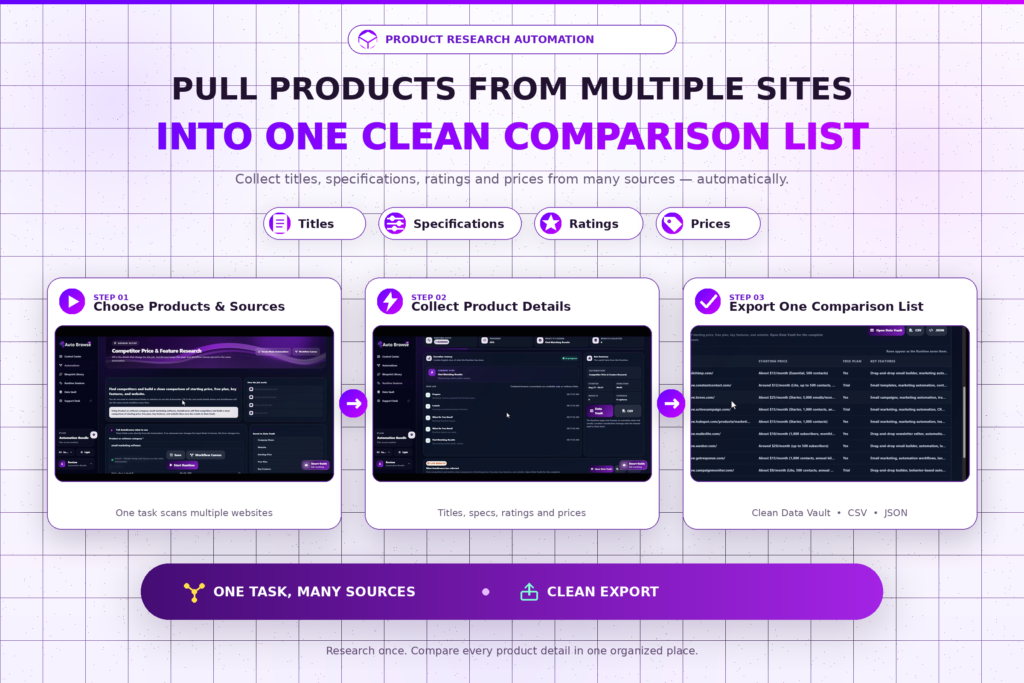
Product Research
A multi-site product grabber that pulls titles, specs, ratings and prices into one comparison list.
One task, many sources, clean export.
Auto Browse AI Discount
The current official offer advertises Auto Browse AI at $14.95 as a one-time payment, with lifetime access and no recurring monthly subscription fee. The official page also states that the launch price is temporary and may increase after the launch period.
Current advertised offer:
- Regular/claimed value: $497
- Current launch price: $14.95 one time
- Monthly fee: None on the advertised lifetime plan
- Access: Lifetime
- Future updates: Included according to the official offer
- Guarantee: 30-day money-back guarantee, subject to the vendor’s refund terms
Free Bonuses Included
The official AutoBrowse AI page currently advertises two bonuses for the first 100 buyers:
BONUS #1 — Advanced Blueprint Pack
A collection of additional ready-to-use workflows intended for tasks such as lead research, monitoring, directory collection, and data gathering.
BONUS #2 — AutoBrowse Fast-Start Guide
A step-by-step guide designed to help users create their first working automation quickly and understand how to keep workflows reliable when websites change.
The official page lists the combined stated value of these bonuses at $294 ($197 + $97).
Pros and Cons
✅ Pros of Auto Browse AI
1. No Coding Required
The drag-and-drop workflow builder is designed for users who don’t want to write scripts or learn programming. You can connect actions visually to create an automation.
2. Helps Reduce Repetitive Work
Auto Browse AI is designed to automate repetitive browser activities such as navigating websites, clicking, typing, waiting, and extracting information. This can potentially save considerable manual effort depending on the task.
3. 60+ Ready-Made Blueprints
Instead of starting with a blank workflow, users can begin with prebuilt Blueprints and customize them for their needs.
4. Automated Data Collection
The platform can collect information such as leads, contacts, prices, products, and research data into structured fields.
5. Scheduling & Autopilot Workflows
Recurring tasks can be scheduled to run automatically, which can be useful for monitoring and repeated research.
6. Data Vault + Easy Export
Collected results are organized in a Data Vault and can be exported as CSV or JSON, making the information easier to use in spreadsheets and other tools.
7. Reusable Automations
Once a workflow is created, it can be saved and run again rather than rebuilding the same process every time.
8. Useful for Different Types of Users
The tool can be relevant to marketers, freelancers, agencies, researchers, lead-generation professionals, and businesses that perform repetitive browser-based work.
❌ Cons of Auto Browse AI
1. There’s Still an Initial Learning Curve
Although it’s designed to be beginner-friendly, users still need to understand workflows, actions, inputs, conditions, and extraction before they can build more sophisticated automations.
2. Automations May Require Maintenance
Browser workflows depend on how websites behave. If a website changes its layout, buttons, page structure, login process, or other elements, an existing automation may need to be adjusted.
3. AI/Automation Doesn’t Guarantee Perfect Results
Collected information should still be checked for accuracy, particularly when the workflow is being used for business research, lead generation, or important decisions.
4. Website Restrictions Can Matter
Automating a website doesn’t automatically mean the activity is permitted. Users should respect each website’s terms, access rules, privacy requirements, and applicable laws.
5. “Unlimited” Doesn’t Mean Unlimited Resources
This is an important point for your review. Auto Browse AI’s Terms of Service state that its monthly hosting/credit limits reset each month and that “Unlimited” means high practical usage rather than unrestricted system resources.
6. Lifetime Access Has a Defined Meaning in the Terms
The marketing page promotes lifetime access, but the Terms of Service clarify that “lifetime” refers to the lifetime of the product, which the terms say is typically three years in the current industry context.
CONTACT US WITH CONFIDENCE
Final Verdict
After looking at the current AutoBrowse AI offer, features, pricing claims, and terms, AutoBrowse AI is an interesting option for users who want to automate repetitive browser-based work without learning to code. Its strongest selling points are the visual workflow builder, ready-made Blueprints, data collection, reusable tasks, scheduling, and CSV/JSON exports.
👍 What We Like
- No-code workflow creation makes it accessible to non-technical users.
- 60+ ready-made Blueprints can reduce the time needed to build workflows from scratch.
- Reusable automations make repetitive research, lead collection, monitoring, and similar tasks easier to repeat.
- Scheduling can be useful for recurring browser workflows.
- Data Vault + CSV/JSON export gives collected information a practical output format.
- The current offer advertises a $14.95 one-time price and a 30-day money-back guarantee.
⚠️ What You Should Consider
AutoBrowse AI isn’t a magic “set it and forget it” solution. More complicated workflows may require experimentation and maintenance when websites change. Users also remain responsible for complying with the terms and rules of websites they automate.
There’s also an important distinction between the marketing language and the Terms of Service: the sales page promotes “unlimited” runs and lifetime access, while the terms explain that “Unlimited” means high practical usage rather than unrestricted system resources, and that lifetime access refers to the lifetime of the product, which the terms currently describe as typically three years.
⭐ Who Should Consider AutoBrowse AI?
I’d consider it most relevant for:
Digital marketers • Affiliate marketers • Freelancers • Agencies • Lead-generation professionals • Researchers • Ecommerce operators • Online businesses
It’s particularly attractive when you repeatedly perform the same browser-based process and want to turn that process into a reusable workflow.
🏆 Final Rating
| Category | Rating |
|---|---|
| Ease of use | ⭐⭐⭐⭐☆ |
| No-code automation | ⭐⭐⭐⭐☆ |
| Ready-made workflows | ⭐⭐⭐⭐⭐ |
| Data collection | ⭐⭐⭐⭐☆ |
| Scheduling | ⭐⭐⭐⭐☆ |
| Beginner friendliness | ⭐⭐⭐⭐☆ |
| Overall value | ⭐⭐⭐⭐☆ |
Leave a Reply