


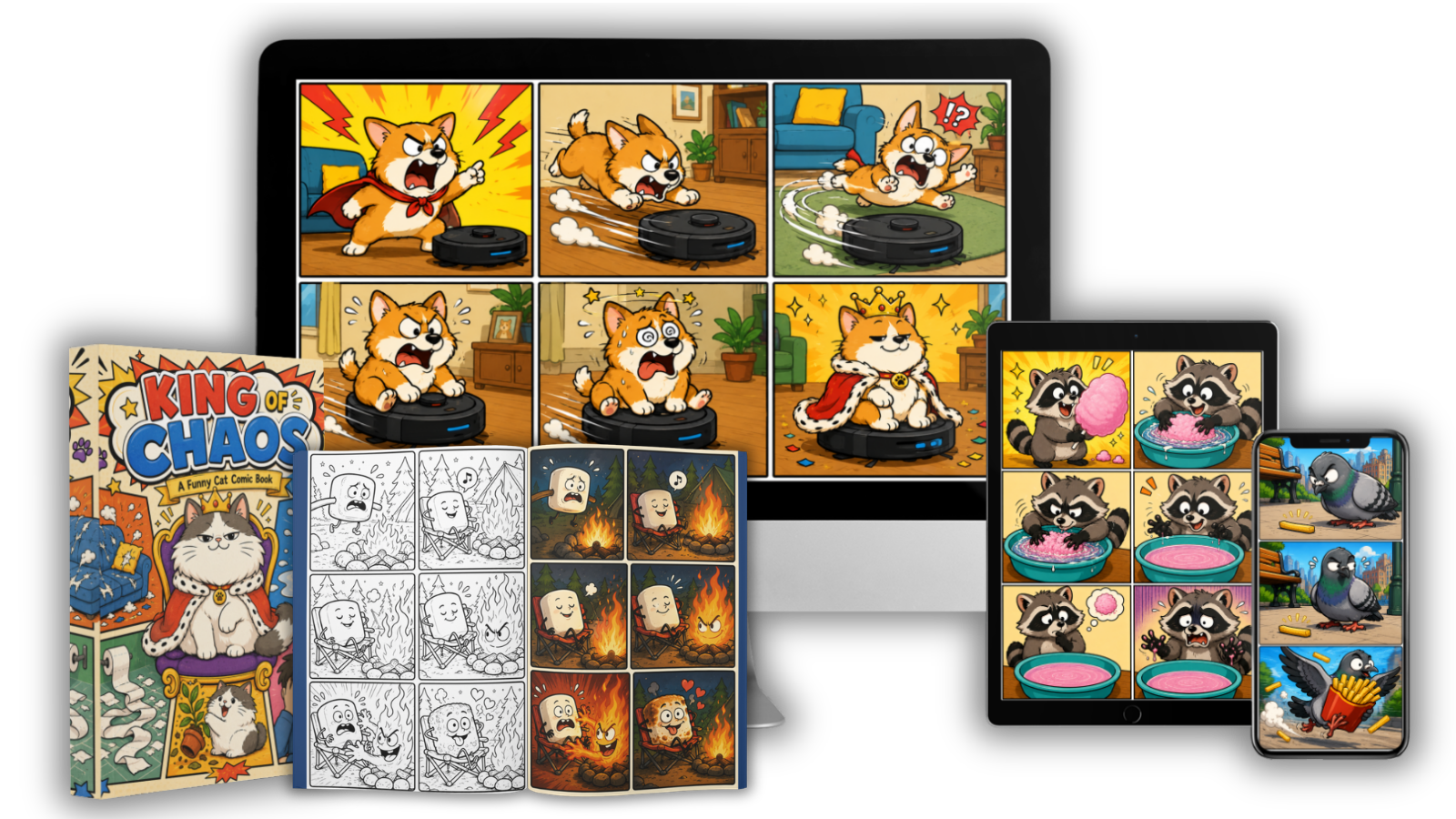
Pet Comic Prompt Studio Review 2026 + OTO's Coupon + Free Bonus
Pet Comic Prompt Studio OTO 1 – Mega Content Pack ($27)
The first upgrade is aimed primarily at creators who want more creative variety.
It expands the library from the front-end’s 4 art styles and 140+ scenarios to a much larger collection, with the upgrade described as providing 11 additional art styles and 360+ additional scenarios, bringing the totals to 15 styles and 500+ scenarios. It also adds dedicated pet-mystery and story-premise content.
Who should consider OTO 1?
This makes the most sense if you’re planning to create pet content regularly and don’t want to repeatedly work with the same limited collection of concepts.
My take:
Worth considering for high-volume creators. Casual users can probably start with the $17 front end.
Pet Comic Prompt Studio OTO 2 – Character Brand Engine ($37)
OTO 2 moves beyond individual prompts and focuses on character consistency and branding.
The upgrade is designed around reusable mascots that can be incorporated into future prompts, along with character sheets and series/shop branding functionality.
This could be particularly useful if you want to develop something like:
One recognizable pet character → multiple comics → stickers → social posts → merchandise → books
That approach can be more powerful than creating completely unrelated pet images.
My take:
A potentially valuable upgrade for creators building a recognizable pet brand or recurring character series.
Pet Comic Prompt Studio OTO 3 – Comic-to-Video ($37)
This upgrade takes the concept from static images toward video content.
According to the available funnel information, it converts comic concepts into motion prompts and supports workflows involving Kling, Runway and Sora.
This could be useful for:
- TikTok
- Instagram Reels
- YouTube Shorts
- Facebook Reels
- Animated pet stories
- Short-form promotional content
Important consideration
This upgrade doesn’t mean you receive unlimited access to those external video platforms. You’ll still need access to whichever third-party AI video service you choose, and that may involve separate costs.
My take:
Interesting for social-media-focused creators, but not essential if your primary goal is Etsy, KDP or static products.
Pet Comic Prompt Studio OTO 4 – Kids & Coloring Engine ($37)
OTO 4 is aimed at creators interested in the children’s activity and coloring market.
The upgrade includes features for different coloring levels, including toddler, kids and adult-oriented coloring content, plus activities such as:
- Mazes
- Spot-the-difference
- Finish-the-drawing activities
- Detective puzzles
- Color-to-line-art conversion
This is particularly relevant if your strategy involves KDP coloring books or activity books.
My take:
A more specialized upgrade. KDP coloring/activity-book publishers are likely to get more value from it than someone simply creating funny pet comics.
Pet Comic Prompt Studio OTO 5 – Seller Toolkit ($47)
This is arguably the most interesting OTO if your ultimate objective is selling products rather than simply generating content.
The Seller Toolkit includes an Etsy/KDP listing and SEO writer, niche briefs and a batch builder capable of generating up to 40 prompts at once, according to the available funnel details.
That means the workflow can move closer to:
Idea → Prompt → Product → Listing → SEO → Multiple Products
For an Etsy or KDP seller, that’s a meaningful distinction.
My take:
If you’re serious about turning AI-generated pet concepts into a product catalog, OTO 5 deserves the closest look.
Is There a Pet Comic Prompt Studio Coupon?
At the time of this review, the front-end is being promoted at approximately $17 as a launch offer, compared with a displayed regular/reference price of $97. However, pricing can change during or after the launch period.
Rather than publishing an unverified coupon code, I’d recommend directing visitors to the current checkout page to confirm the active price.
Current Offer
Pet Comic Prompt Studio — $17
One-time purchase • No recurring Pet Comic Prompt Studio subscription • 30-day guarantee
[Check Today’s Pet Comic Prompt Studio Price & Bonus Offer →]
What Free Bonuses Are Included?
The front-end currently comes with four vendor bonuses, with a stated combined value of $80.
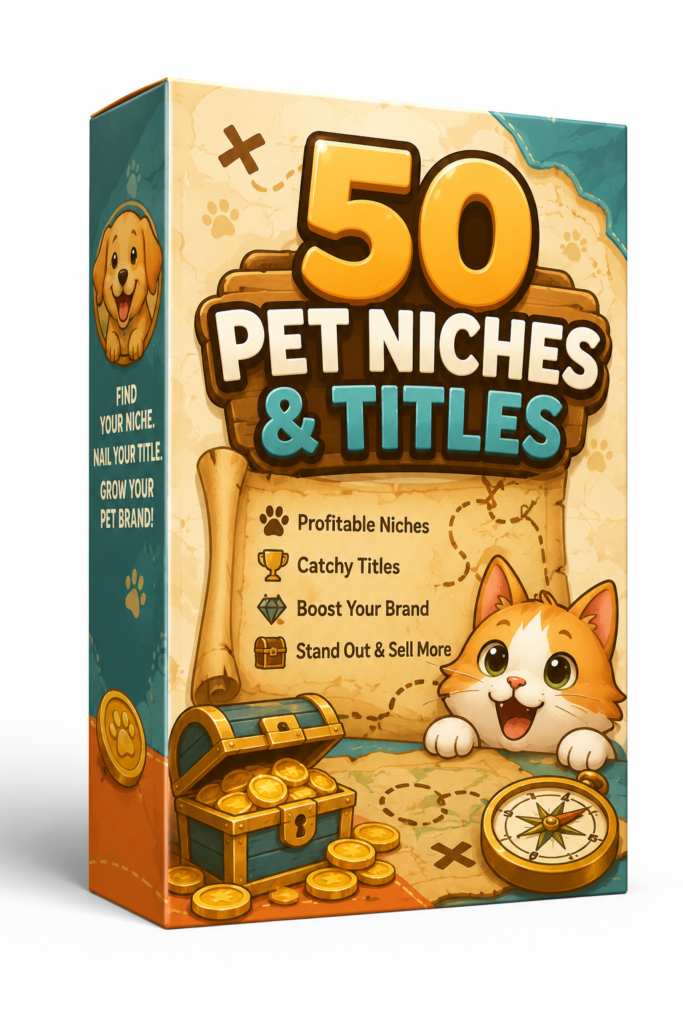
🎁 Bonus #1 — 50 Best-Selling Niches & Titles
A resource designed to help users explore potential niches and title ideas for their pet-related content.
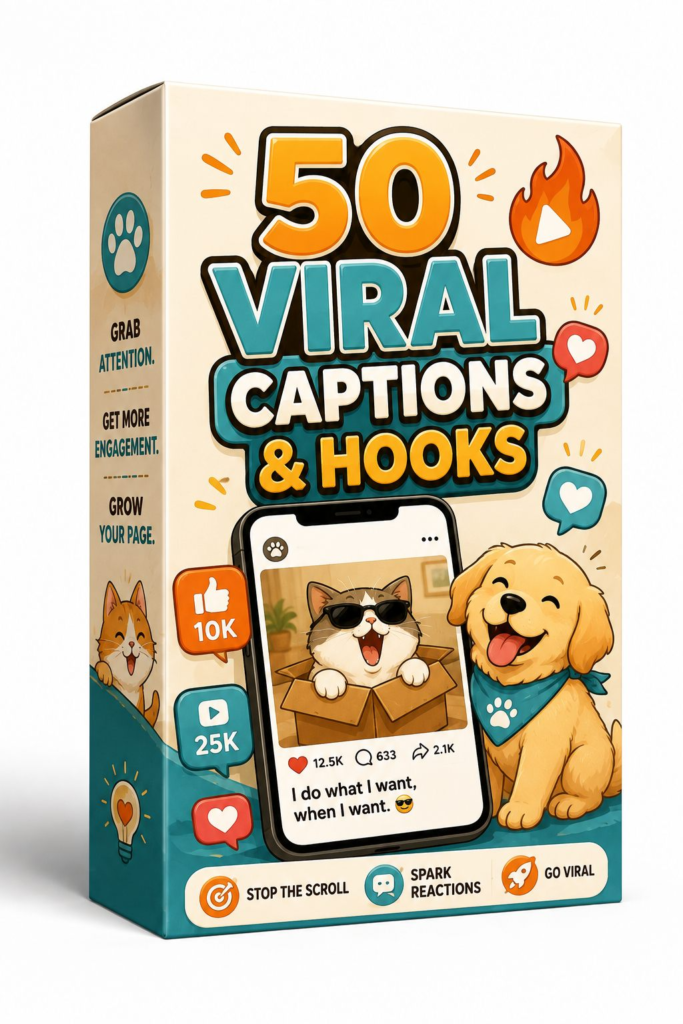
🎁 Bonus #2 — 50 Viral Captions & Hooks
Useful for creators who want additional ideas for social-media posts, captions and attention-grabbing hooks.
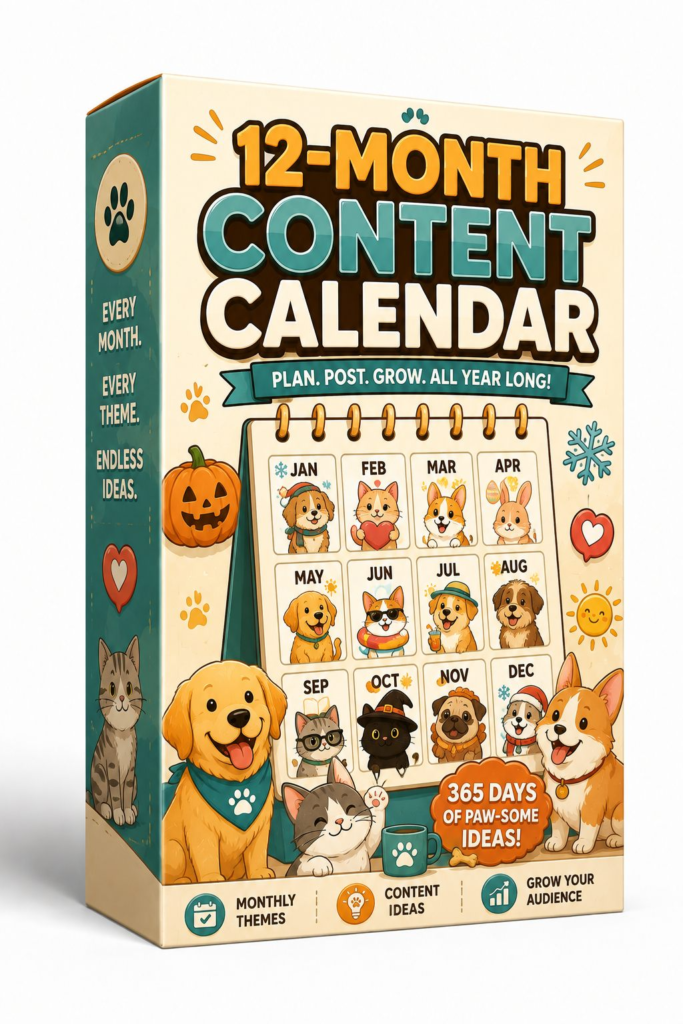
🎁 Bonus #3 — 12-Month Content Calendar
This can help turn individual pet-comic ideas into a longer-term publishing schedule.
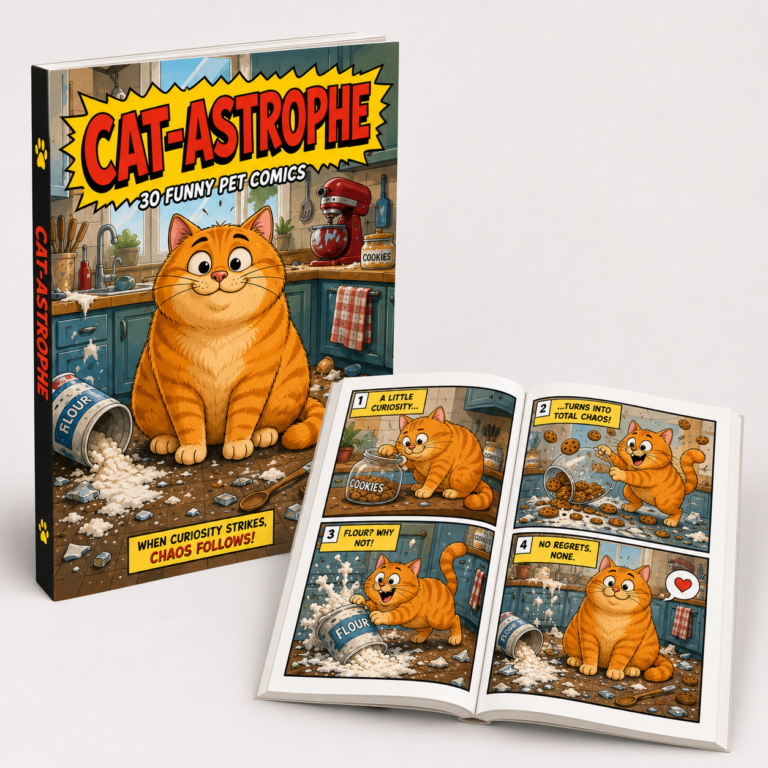
🎁 Bonus #4 — Comics → KDP Book Assembly Guide
This guide is particularly relevant to KDP users because the core software doesn’t automatically produce a finished KDP book. It generates prompts; you’ll still need to create the images, assemble the book and follow Amazon’s current requirements.

>>> Get EarlyBird Discount + Bonus Bundle <<<
Pet Comic Prompt Studio Review 2026 – Overview
| Creator | Luci.Emma |
| Product | Pet Comic Prompt Studio |
| Launch Date | 2026-Aug-15 |
| Launch Time | 9:00 EST |
| Official website | CLICK HERE |
| Front-End Price | $17 |
| Bonuses | Yes, Huge Software Bonuses >>Check Below<< |
| Skill | All Levels |
| Guarantee | 30-Day Money Back Guarantee |
| Niche | AI Tool |
| Support | Еffесtіvе Rеѕроnѕе |
| Recommend | Highly recommend! |
Above is the complete product overview of the Pet Comic Prompt Studio , Now let’s come down to the next section of Pet Comic Prompt Studio Review; where I will give you detailed info about its features, pricing & upgrade details.

Pet Comic Prompt Studio Review 2026 – What is it?
Pet Comic Prompt Studio is a niche AI prompt-generation application designed specifically for creating funny pet and animal comic concepts without having to manually write complicated AI prompts from scratch. It works as a single offline browser-based file, rather than a traditional cloud-based SaaS platform, and the core offer does not require an account, installation, or API key.
The basic idea is straightforward: instead of staring at a blank prompt box and trying to figure out exactly how to describe the pet, art style, joke, scenario, comic layout, and output format, you select your preferences through the app. Pet Comic Prompt Studio then combines those choices into a structured prompt that you can copy into an AI image-generation tool such as ChatGPT, DALL·E, Midjourney, or another compatible platform.
Pet Comic Prompt Studio Review 2026 – Features and Benefit
Key Features of Pet Comic Prompt Studio
🐾 1. 140+ Built-In Pet Scenarios
The front-end provides more than 140 scenarios covering different pet situations, themes, and creative concepts.
Instead of starting with a blank AI prompt box, users can choose a scenario and build from there. This can be particularly useful when creating content consistently for social media, Etsy products, or KDP projects.
🎨 2. 4 Built-In Art Styles
The software includes four preset visual styles, giving creators different directions for their pet-comic concepts.
For users who want even more variety, the optional Mega Content Pack expands the available styles to 15 total.
😂 3. 21 Joke Formulas
Creating a funny pet image is easy once in a while. Coming up with fresh jokes repeatedly is much harder.
Pet Comic Prompt Studio addresses this with 21 joke formulas, including structures such as escalation, deadpan, ironic twist, whodunit, caught-red-handed, and slapstick.
This gives creators different frameworks for developing recurring comic ideas instead of relying on the same type of joke.
🛍️ 4. 7 Product Formats
One of the strongest features is the ability to develop prompts for multiple types of content.
The listed formats include:
- Comics
- Quote designs
- Sticker sheets
- Patterns
- Greeting cards
- Memes
- Book covers
That means one creative idea can potentially be adapted into several different content or product formats.
📚 5. Story Mode
Story Mode is designed for creators who want more than a single-panel joke.
It can structure concepts around titles, captions, speech-bubble dialogue, sound effects, and multiple comic panels, making it useful for longer comic concepts and social storytelling.
🕵️ 6. Whodunit Mode
The Whodunit feature adds another creative angle by helping develop pet detective and mystery-style comics.
This can be useful for creators experimenting with mystery stories, activity books, or themed KDP content rather than producing only conventional funny pet comics.
🖍️ 7. Coloring Mode
Coloring Mode converts concepts into prompts intended for black-and-white line-art pages.
This expands the potential use cases toward coloring books and printable activities, particularly for creators interested in KDP.
📕 8. Book-Cover Maker
The built-in Book-Cover Maker is intended to help users create prompts for KDP-oriented covers, including elements such as a title, subtitle, and author text.
However, it’s important to understand that this doesn’t automatically publish a finished book to Amazon KDP. Users still need to generate the artwork, assemble the final book, and follow Amazon’s current publishing requirements.
🤖 9. Multiple AI Format Presets
Pet Comic Prompt Studio supports prompt formatting for several AI workflows, including Midjourney, DALL·E, ChatGPT, and a Universal format.
This gives users more flexibility rather than locking them into one particular image-generation platform.
📐 10. Aspect-Ratio Options
The application includes multiple aspect-ratio choices, with custom sizing available for certain publishing and design requirements. This can be useful when switching between social-media content, product designs, and publishing projects.
🎲 11. Randomize & Surprise Me
Not sure what to create next?
The Randomize and Surprise Me functions can generate unexpected combinations of scenarios and creative elements.
For content creators, this can help overcome the classic “I don’t know what to post next” problem.
🗂️ 12. Prompt History
The application stores the last 10 generated prompts, allowing users to revisit and copy previous ideas without rebuilding them from scratch.
💻 13. Offline, Single-File Application
Another notable feature is its delivery format.
The core application is described as a single HTML file that runs locally in a modern browser. It doesn’t require an account, API key, installation, or recurring Pet Comic Prompt Studio subscription.
This is different from many cloud-based AI tools that charge monthly fees.
Pet Comic Prompt Studio – Key Benefits
⚡ Faster Prompt Creation
The biggest practical benefit is convenience.
Instead of manually constructing a prompt with the correct character, style, joke structure, scenario, format, and aspect ratio, users can select these elements through the interface.
Choose → Customize → Generate → Copy → Create
That can make the creative process considerably easier for beginners.
💡 Helps Overcome Creative Blocks
The combination of 140+ scenarios, 21 joke formulas, Randomize, and Surprise Me gives users multiple starting points when they don’t have a specific idea in mind.
This can be especially useful for creators who need to produce content regularly.
♻️ Repurpose One Idea Into Multiple Products
Perhaps the biggest commercial benefit is the ability to explore different formats from a similar creative concept.
For example:
Funny Cat Idea
→ Comic
→ Sticker
→ Greeting Card
→ Meme
→ Quote Design
→ Pattern
→ Book-Cover Concept
The software doesn’t automatically create or sell all these products, but it can help with the ideation and prompt-generation stage.
🛒 Useful for Etsy, KDP & POD Creators
The product is particularly relevant to creators exploring:
- Etsy products
- KDP books
- Coloring books
- Stickers
- Printables
- Greeting cards
- POD designs
- Social-media content
The vendor specifically positions the offer around KDP, Etsy, POD, and social-media use cases.
💰 No Recurring Fee for the Core App
The front-end is currently promoted at $17, and the application itself is presented as a one-time purchase rather than a monthly SaaS subscription.
However, remember that you may still have separate costs for the AI image-generation platform you use to turn the prompts into actual artwork.
🎯 Designed for Beginners
You don’t need to understand advanced prompt engineering to use the basic workflow.
The point-and-click structure handles much of the prompt-building process, making it easier for someone who understands what they want to create but doesn’t know how to formulate an advanced AI prompt.
Pet Comic Prompt Studio Review 2026 – How Does It Work?
The overall process can be summarized as:
Choose → Customize → Generate → Copy → Create
Step 1: Choose Your Pet & Visual Style
You first select the type of pet or animal you want to feature and choose from the available art styles.
The front-end currently includes 4 art styles, including options described as Cozy Pastel Comic, Deadpan Earthy, Bold Cartoon Twist, and Soft Painterly Chibi.
You can then customize elements such as the pet’s appearance, color, body type and whether a human character appears in the scene.
Step 2: Choose a Joke Formula
Next comes the creative part: deciding what kind of humor you want.
The tool includes 21 joke formulas, with examples such as escalation, deadpan, ironic twist, whodunit, caught-red-handed, tiny-but-mighty and slapstick.
This is useful because you aren’t starting with a completely blank canvas.
For example:
Pet: Mischievous cat
Formula: Caught red-handed
Scenario: Cat stealing food
The software uses those selections as building blocks for the final prompt.
Step 3: Select a Scenario
Pet Comic Prompt Studio includes 140+ built-in scenarios covering different animals, situations, seasonal themes, food, objects and other concepts.
You can also use features such as Randomize or Surprise Me when you don’t have a specific idea in mind.
This can be particularly helpful for content creators who need fresh ideas regularly.
Step 4: Select the Output Format
This is where the tool becomes more versatile than a basic comic prompt generator.
The front-end supports 7 product-oriented formats, including:
- Comics
- Quote designs
- Sticker sheets
- Patterns
- Greeting cards
- Memes
- Book covers
So, for example, the same funny dog concept could potentially be developed into a comic for social media and then adapted into a sticker or greeting-card concept.
Step 5: Choose Your Comic Layout
For comic-based projects, you can choose different panel arrangements. The available workflow supports layouts ranging from single-panel concepts to multi-panel comics, allowing creators to build either quick jokes or more developed stories.
The Story Mode goes further by incorporating elements such as:
- Titles
- Captions
- Speech bubbles
- Dialogue
- Sound effects
- Multiple panels
This can be useful when developing longer-form comic concepts rather than isolated images.
Step 6: Choose Your AI Platform
Once the creative settings are ready, you select the AI format you want to use.
The application provides formatting options for:
Midjourney → DALL·E → ChatGPT → Universal
This means the generated prompt is structured for the workflow you’ve selected rather than simply giving you one generic block of text.
Step 7: Choose the Image Size
The tool also provides multiple aspect-ratio options, with custom sizing available for certain use cases. This can be useful when creating content for different destinations, such as social media posts, product artwork or publishing projects.
Step 8: Generate Your Prompt
After selecting your preferences, you click Generate.
Pet Comic Prompt Studio combines your selections into a detailed prompt.
For example:
Pet: Orange cat
Style: Cartoon
Joke: Deadpan
Scenario: Cat caught stealing pizza
Format: 4-panel comic
AI: ChatGPT
↓
Generated Prompt
You can then copy the completed prompt.
Step 9: Paste the Prompt Into Your AI Image Tool
This is an important part of the workflow.
Pet Comic Prompt Studio doesn’t generate the finished artwork itself.
You take the generated prompt and paste it into your chosen AI image-generation platform.
The external AI tool then interprets the prompt and produces the image.
If the first result isn’t satisfactory, you can modify the prompt or regenerate the image.
Pet Comic Prompt Studio Review 2026 – My Experience Using It?
After looking closely at Pet Comic Prompt Studio’s workflow, features, pricing, and intended use cases, my overall experience with the concept is quite positive—particularly if you’re an Etsy seller, KDP publisher, POD creator, or social-media content creator who frequently works with AI-generated pet content.
The first thing I noticed is that Pet Comic Prompt Studio isn’t an AI image generator. Instead, it works as a specialized prompt-building application. You choose elements such as the pet, art style, joke formula, scenario, format, and aspect ratio, and the app creates a structured prompt that you can copy into an external AI image-generation tool.
That distinction is important because I wouldn’t evaluate this product based on whether it can produce beautiful images by itself. I’d evaluate it based on one question:
Does it make the process of creating high-quality pet-content prompts faster and easier?
In my assessment, yes—within its specific niche, it does.
My First Impression
What immediately stood out to me was the point-and-click workflow.
Instead of opening an AI tool and thinking about every individual prompt component, you can work through predefined creative choices.
The front-end includes 4 art styles, 21 joke formulas, 140+ scenarios, and 7 product formats, along with Story Mode, Coloring Mode, Whodunit Mode, and a Book-Cover Maker.
That makes the experience feel less like writing prompts and more like assembling a creative concept.
For someone who isn’t experienced with prompt engineering, this is probably the biggest advantage.
Creating My First Pet Comic Concept
To understand the workflow, imagine starting with something simple:
Pet: Mischievous cat
Style: Cartoon
Joke Formula: Caught Red-Handed
Scenario: Cat stealing food
Format: 4-panel comic
Instead of manually writing a long prompt describing the character, environment, visual style, panel sequence, dialogue and composition, the application combines the selected elements into a structured prompt.
I can then copy that prompt into my chosen AI image generator and generate the artwork.
This makes the process much more approachable.
My experience with the workflow:
Choose the idea → Customize it → Generate the prompt → Copy → Generate the image
That’s simple enough for a beginner to understand within minutes.
I Also Like the Multiple-Format Approach
Another thing I found interesting is that you’re not restricted to creating traditional comics.
The front-end supports prompts for:
- Comics
- Quote designs
- Sticker sheets
- Patterns
- Greeting cards
- Memes
- Book covers
This matters because a creator could potentially take one successful concept and develop it into several related pieces of content.
For example:
Funny Dog Concept
→ Comic
→ Sticker
→ Greeting card
→ Social-media post
→ Quote design
→ Pattern
→ KDP concept
The software doesn’t automatically create or sell all of these products, but it can help with the creative ideation and prompt-generation stage.
Pros and Cons
✅ Pros of Pet Comic Prompt Studio
1. Affordable $17 Entry Price
The current front-end is advertised at $17 as a one-time purchase, rather than a recurring monthly subscription. That makes it relatively inexpensive for someone who wants to test the workflow.
2. Point-and-Click Prompt Creation
Instead of manually constructing lengthy prompts, you can select elements such as the pet, art style, joke formula, scenario, format, and aspect ratio. This can significantly reduce the friction involved in creating AI-ready prompts.
3. 140+ Built-In Scenarios
The front-end includes 140+ scenarios, giving creators a large collection of starting points for funny pet content rather than forcing them to start from a blank prompt.
4. 21 Joke Formulas
The inclusion of 21 different joke formulas is useful for creators who want more variety than simply generating random pet images. Different structures can help produce different types of comic concepts.
5. Multiple Product Formats
The tool isn’t limited to conventional comics. The front-end supports formats including:
- Comics
- Quote designs
- Sticker sheets
- Patterns
- Greeting cards
- Memes
- Book-cover concepts
This gives creators opportunities to repurpose a concept across different types of content and products.
6. Useful for Etsy, KDP, POD & Social Content
The product is specifically positioned toward Etsy sellers, KDP publishers, print-on-demand creators, and social-media content creators. That makes its niche positioning clearer than a generic AI prompt generator.
7. Story & Coloring Modes
Story Mode can help structure multi-panel comics with elements such as captions and dialogue, while Coloring Mode is designed around black-and-white line-art concepts. These features broaden the potential use cases beyond simple one-panel comics.
8. No API Key or Account Required for the Core App
The application is described as a single offline HTML file, meaning the core tool doesn’t require an account, installation, or API key.
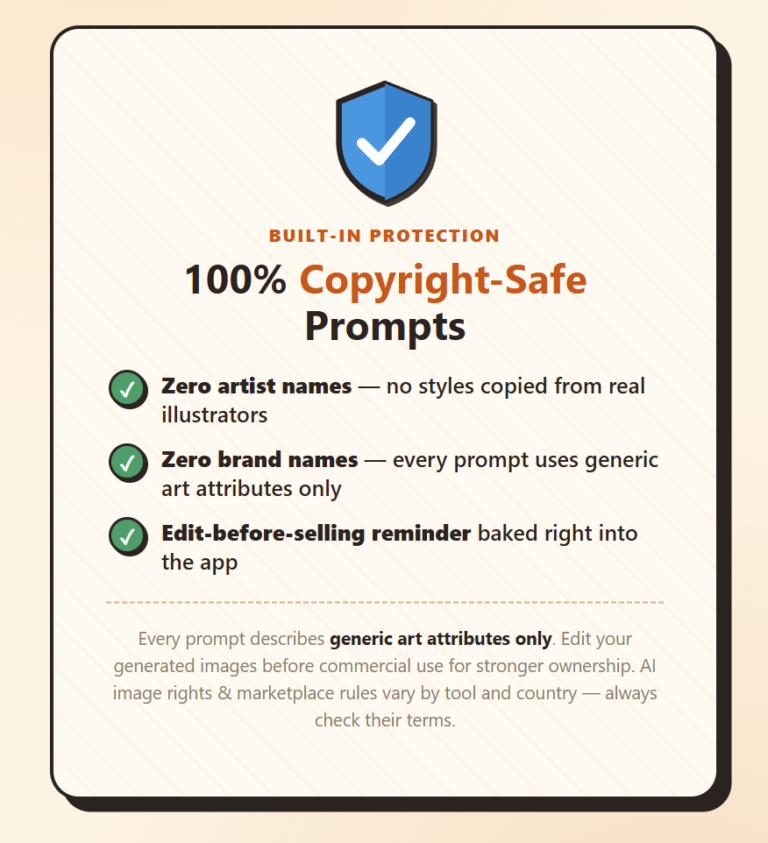
9. Copyright-Conscious Prompt Approach
The vendor’s approach avoids instructing users to imitate named artists or brands and instead focuses on generic visual characteristics. That’s a more cautious approach for creators concerned about intellectual-property and marketplace-policy issues.
However, this should not be interpreted as a blanket guarantee that every generated image is copyright-free or commercially unrestricted. Users still need to follow the rules of their AI provider and marketplace.
10. 30-Day Money-Back Guarantee
The current sales information states a 30-day guarantee, giving buyers an opportunity to test whether the tool actually fits their workflow.
❌ Cons of Pet Comic Prompt Studio
1. It Doesn’t Generate the Final Images
This is the biggest limitation.
Pet Comic Prompt Studio creates the prompt, not the finished artwork.
You’ll need another AI image-generation service such as ChatGPT, DALL·E, Midjourney, or another compatible platform.
So the actual workflow is:
Pet Comic Prompt Studio → Generated Prompt → AI Image Generator → Finished Image
2. You May Have Additional AI Costs
Although the Pet Comic Prompt Studio application itself doesn’t require a recurring subscription, your chosen AI image generator may have its own subscription or usage charges.
Therefore, $17 isn’t necessarily your total cost of creating the final artwork.
3. Only 4 Art Styles on the Front End
The base version includes 4 art styles. The larger library of 15 styles is associated with the optional Mega Content Pack.
For occasional users, four styles may be enough. High-volume creators may want additional variety.
4. The Larger Scenario Library Requires an Upgrade
The front-end provides 140+ scenarios, while OTO 1 expands the library substantially. If you’re producing large quantities of content, you may eventually feel the limitations of the base library.
5. AI Images Still Require Quality Control
A good prompt doesn’t guarantee a perfect image.
Depending on the AI platform, you may encounter:
- Incorrect text
- Misspelled words
- Character inconsistencies
- Unwanted objects
- Poor panel layouts
- Unusual anatomy
You may need to regenerate or manually edit the result.
6. It Doesn’t Build Your Etsy or KDP Business for You
This is important for beginners.
The software can help with ideas and prompts, but it doesn’t automatically:
- Research profitable products
- Open your Etsy store
- Upload products
- Handle customer service
- Publish your KDP books
- Guarantee rankings
- Generate sales
Your marketing, product research, SEO, pricing, and execution still matter.
7. Some Features Require the OTOs
The core product is useful by itself, but additional functionality is distributed across five optional upgrades, including expanded content, character branding, video prompts, children’s activity content, and seller tools.
That means someone attracted by the $17 price should understand that the complete funnel can cost considerably more if they purchase every upgrade.
8. Video Features Depend on External Platforms
The Comic-to-Video upgrade is designed around external AI video tools such as Kling, Runway, and Sora. Those services aren’t simply included as unlimited video-generation access with Pet Comic Prompt Studio.
9. Marketplace Rules Still Apply
Etsy, Amazon KDP, AI image platforms, and other marketplaces can have different rules regarding AI-assisted or AI-generated content, and those policies can change.
Therefore, buyers should always verify the current commercial-use and disclosure requirements before publishing or selling their work.
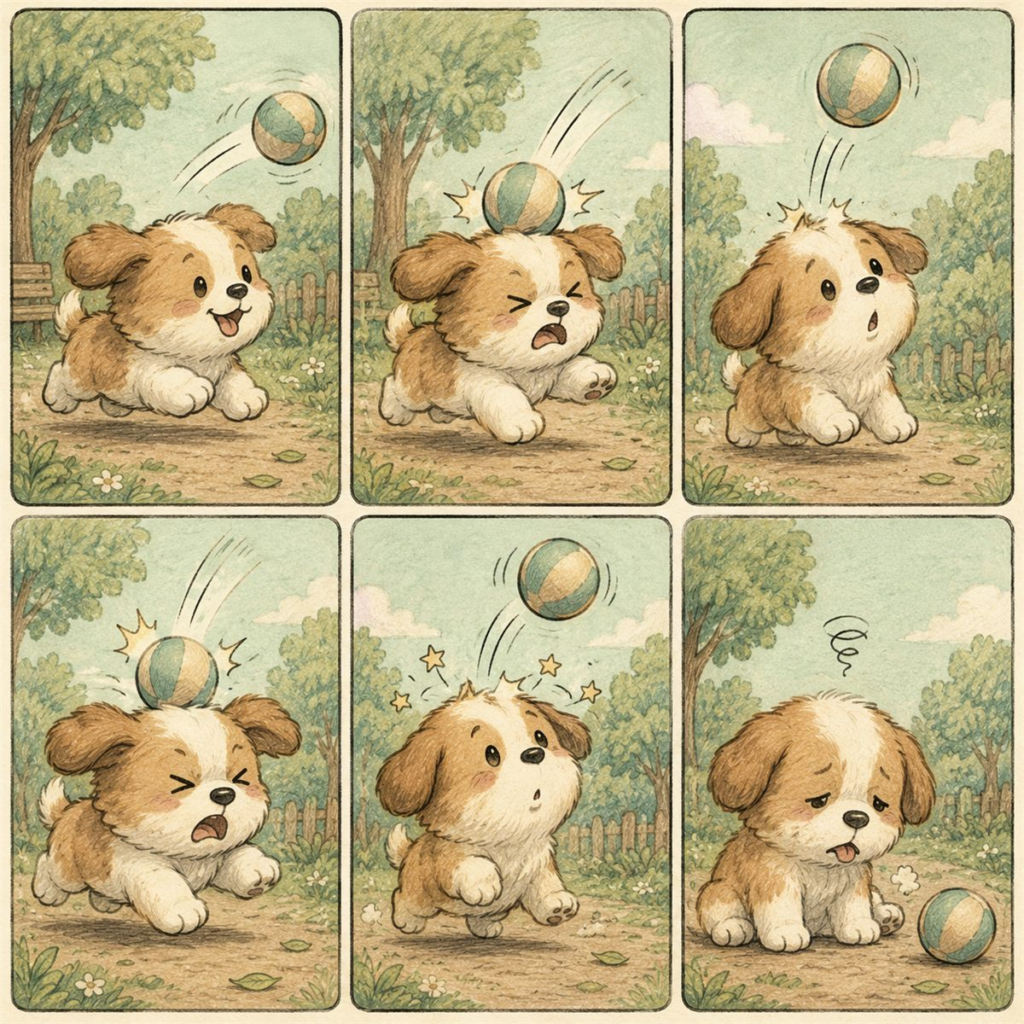
Who should use it?
It is also positioned specifically around Etsy, KDP, print-on-demand, and social-media content, which makes its target audience fairly clear.
🐾 1. Etsy Sellers
Pet Comic Prompt Studio can be a good fit for Etsy sellers interested in pet-themed digital products.
You could use the generated prompts as starting points for:
- Pet stickers
- Printable artwork
- Greeting cards
- Wall-art concepts
- Digital downloads
- Pet-themed patterns
- Comic-style products
The major advantage is that you aren’t limited to one product format. The same pet concept can potentially be adapted into several different products.
Best for: Beginners who have product ideas but don’t have strong prompt-writing or illustration skills.
📚 2. KDP Publishers
KDP creators are another strong audience.
The software includes Story Mode, Coloring Mode, Whodunit concepts, and a Book-Cover Maker, making it relevant to creators exploring pet comics, coloring books, activity books, and similar publishing projects.
For example:
Pet character → Comic story → Coloring pages → Book concept → Cover prompt
However, remember that Pet Comic Prompt Studio doesn’t automatically publish a book to Amazon. You still need to create, assemble, quality-check, and publish the final product yourself.
Best for: KDP publishers looking for a faster way to generate pet-themed concepts and prompts.
👕 3. Print-on-Demand Sellers
If you’re selling pet-themed merchandise through POD platforms, the tool can also be useful.
The available formats include comics, quote designs, stickers, patterns, greeting cards, and memes, giving creators several directions to explore.
For example:
Funny Golden Retriever
→ T-shirt concept
→ Mug design
→ Sticker
→ Greeting card
→ Social-media graphic
The software doesn’t manufacture or upload the products, but it can speed up the creative ideation and prompt-generation stage.
📱 4. Social Media Creators
This is another audience I think could get substantial value from the tool.
Pet content is naturally suited to visual platforms, and the software’s joke formulas, scenarios, Story Mode, and multiple aspect ratios can help creators develop recurring content.
You could create:
- Funny pet comics
- Instagram posts
- Facebook content
- Reels concepts
- YouTube Shorts ideas
- Pinterest graphics
- Pet memes
- Short visual stories
The biggest advantage here is content consistency.
Instead of thinking of a new idea from scratch every day, you can use different combinations of pets, scenarios, jokes and formats to create a larger content pipeline.
🤖 5. AI Beginners
I’d consider this one of the strongest audiences.
If you’ve ever opened an AI image generator and thought:
“I know what I want, but I have no idea how to write the prompt.”
that’s exactly the type of problem this product attempts to solve.
The workflow is essentially:
Select → Customize → Generate → Copy → Create
The application generates the structured prompt, which you can then use with compatible AI image-generation platforms.
You don’t need to understand advanced prompt engineering to get started.
🎨 6. Creators Without Design Skills
You don’t have to be a professional illustrator or graphic designer to potentially benefit from the product.
Someone could have an idea such as:
“A funny cat pretending to work from home while secretly sleeping.”
The challenge is turning that simple idea into a detailed AI prompt.
Pet Comic Prompt Studio provides structured choices for the style, character, joke, scenario, format, and other creative elements, reducing the amount of manual prompt writing required.
🚀 7. High-Volume Content Creators
The tool can also make sense for someone who needs to create a large number of concepts repeatedly.
For example:
100 pet social posts
or
50 sticker concepts
or
a series of KDP coloring pages
or
multiple Etsy product ideas
The value here isn’t necessarily that the software makes something impossible possible.
It’s that it can reduce repetitive work.
The front-end includes 140+ scenarios and 21 joke formulas, while the optional first upgrade expands the available content library further.
🧠 8. Experienced Prompt Creators
Interestingly, beginners aren’t the only potential users.
Experienced AI users may also find it useful as a productivity shortcut.
If you already know how to write prompts, you can probably recreate many of these prompts yourself.
But if you’re producing dozens or hundreds of concepts, manually constructing every prompt can become tedious.
In that situation, the tool can function more like a creative production assistant.
CONTACT US WITH CONFIDENCE
Price and Evaluation
Optional OTO Pricing
| Offer | Price | Best Suited For |
|---|---|---|
| Front End | $17 | Beginners & general creators |
| OTO 1 – Mega Content Pack | $27 | High-volume content creators |
| OTO 2 – Character Brand Engine | $37 | Mascot & brand builders |
| OTO 3 – Comic-to-Video | $37 | Video/social creators |
| OTO 4 – Kids & Coloring Engine | $37 | KDP & activity-book creators |
| OTO 5 – Seller Toolkit | $47 | Etsy/KDP sellers |
Buying every offer would bring the stated total funnel cost to $202.
⭐ My Evaluation of the $17 Offer
Value for Beginners: 4.7/5
For someone who is new to AI prompting, $17 is relatively easy to justify if the person actually intends to create pet-themed content.
The point-and-click workflow eliminates much of the initial prompt-writing work.
Value for Etsy Sellers: 4.5/5
Etsy sellers can potentially use the system for ideas involving:
Stickers → Greeting Cards → Printables → Patterns → Pet Artwork
However, the software doesn’t create an Etsy store or guarantee product sales.
Value for KDP Publishers: 4.5/5
The combination of Story Mode, Coloring Mode and Book-Cover Maker makes the front-end particularly interesting for KDP creators.
But you still have to generate the artwork, assemble the book and follow Amazon’s current publishing requirements.
Value for Social Media Creators: 4.6/5
The joke formulas, scenarios, different formats and storytelling features provide plenty of material for creators who need recurring pet content.
Value for Experienced Prompt Engineers: 3.5/5
This is where I’d be more cautious.
If you’re already highly skilled at writing AI image prompts, you may be able to reproduce much of the functionality yourself.
The value for you would primarily come from speed, organization and idea generation, rather than advanced prompting capabilities.
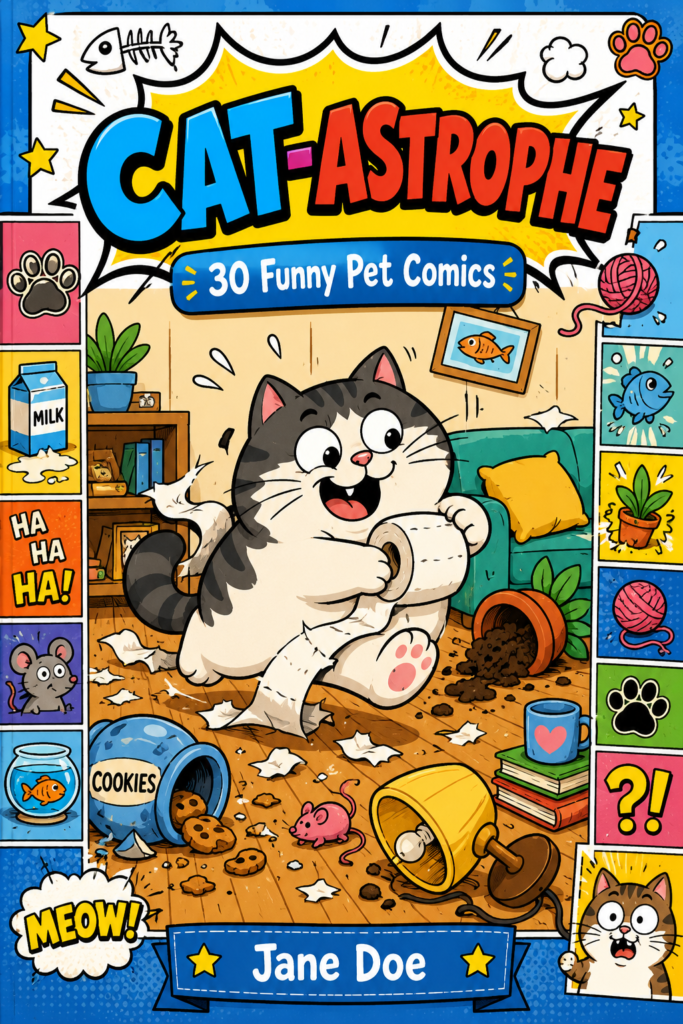
Pet Comic Prompt Studio Review 2026 : Final verdict
After evaluating Pet Comic Prompt Studio’s features, workflow, pricing, bonuses, limitations, and optional upgrades, I believe this is a useful niche AI prompt tool for creators who want to produce pet-themed content faster. The front-end is currently advertised at $17, with 4 art styles, 21 joke formulas, 140+ scenarios, multiple output formats, Story Mode, Coloring Mode, and a Book-Cover Maker.
What I like most is that the product has a clear purpose. It isn’t trying to be another generic AI platform. Instead, it focuses on helping users turn pet ideas into structured prompts for comics, stickers, greeting cards, memes, patterns, coloring concepts, and other visual content.
Is Pet Comic Prompt Studio Worth It?
For the right user, yes.
If you’re an Etsy seller, KDP publisher, POD creator, social-media content creator, or AI beginner, the point-and-click workflow can save time compared with manually constructing detailed prompts every time.
The core process is simple:
Choose a pet → Select a style → Choose a joke → Pick a scenario → Select a format → Generate the prompt → Copy it into an AI image generator.
One important clarification is that Pet Comic Prompt Studio does not generate the final artwork itself. It creates the prompt, while the actual image generation happens through a separate AI platform such as ChatGPT, DALL·E, Midjourney, or another compatible tool.
What Makes It Stand Out?
The strongest part of the offer is the combination of creative variety and simplicity.
The base version gives users more than 140 scenarios and 21 joke formulas, while the product supports seven main creative formats, including comics, quote designs, stickers, patterns, greeting cards, memes, and book covers.
That means one idea can potentially become several different pieces of content.
For example:
Funny Golden Retriever
→ Comic
→ Sticker
→ Greeting Card
→ Meme
→ Social Post
→ Coloring Page
→ KDP Concept
This doesn’t guarantee that every idea will become a profitable product, but it gives creators more ways to experiment and repurpose their concepts.